
Meridian Portfolio

Plus

Choose your symbols, find their settings, and see how they perform together. Correlation, lot sizing and portfolio analysis for your Meridian Channel charts.

  • Live chart roster
  • Correlation matrix
  • Suggested basket
  • Portfolio risk sizing
0:00 / 0:00
Platform
MetaTrader 5
Type
Indicator
Access
Included with Stratotank Plus

Compare your symbols, choose your basket, and see how they perform together.
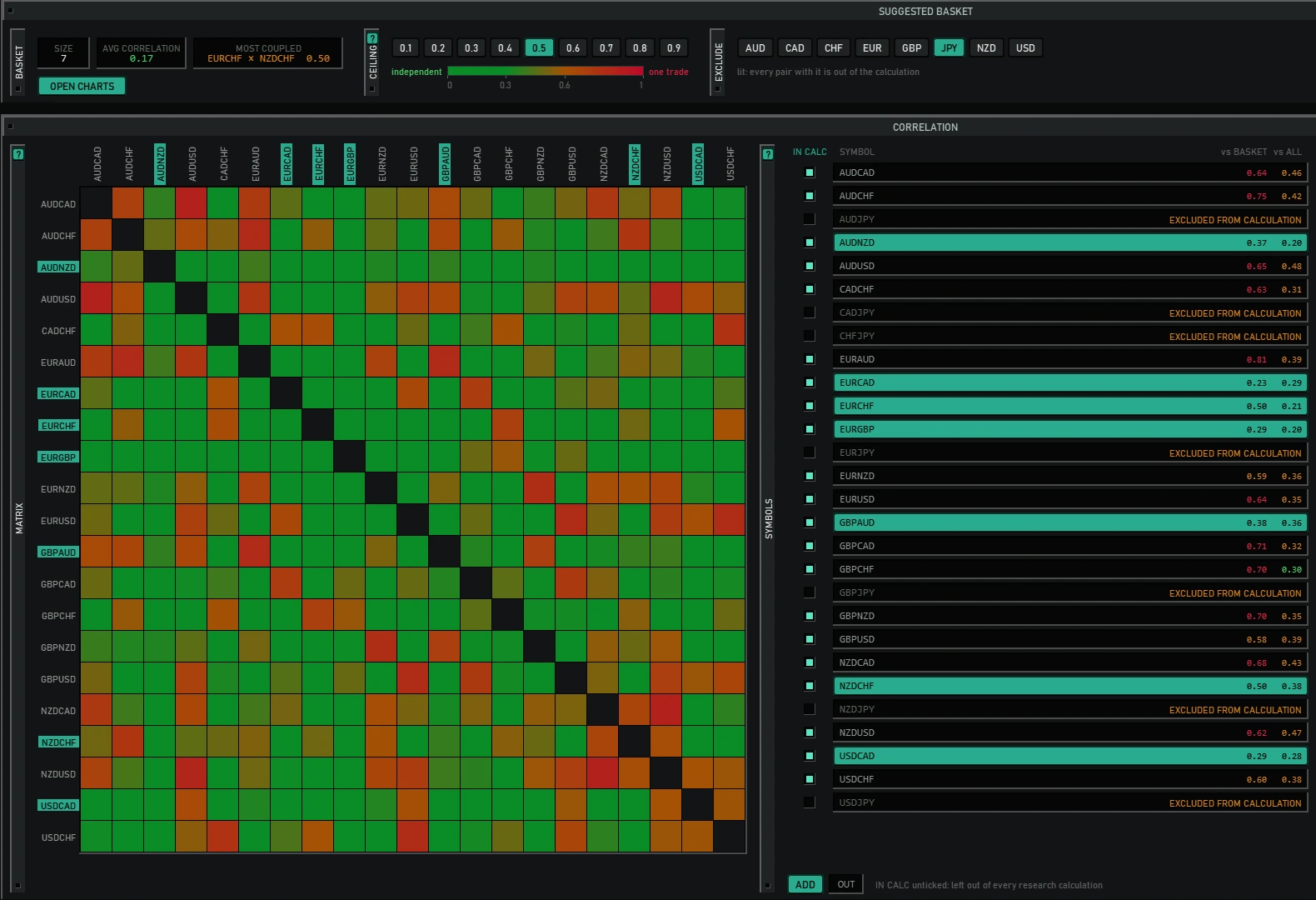
Return-correlation matrix with a 0.5 ceiling, currency exclusions and seven suggested symbols highlighted in teal.
See which symbols are linked
Green cells show weaker correlation; warmer cells show stronger links, whether prices move together or in opposite directions.
Set your correlation ceiling
Choose how closely any two members may be linked. Lower the ceiling for a more selective basket.
Choose what goes in
Exclude currencies, inspect the suggested symbols highlighted in teal, then open their Meridian charts.


Find settings
for each symbol.

Run a deviation scan across your symbols or suggested basket. Find a band for your chosen tempo, or the tempo that fits your band.

Compare each symbol's historical results, then open its chart with the tested settings.

Deviation scan controls for percentile, tempo, recovery trades, spacing, entry, target and trading costs.
Symbol candidates showing each band, revert rate, historical cumulative pips chart and trade count.

Calculate lot sizes
across your basket.

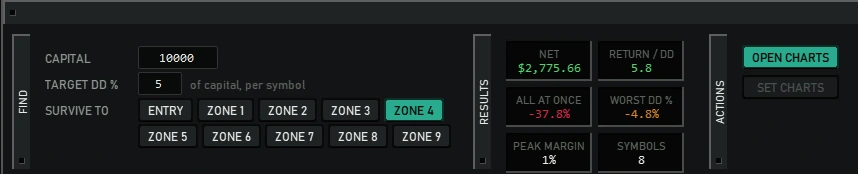
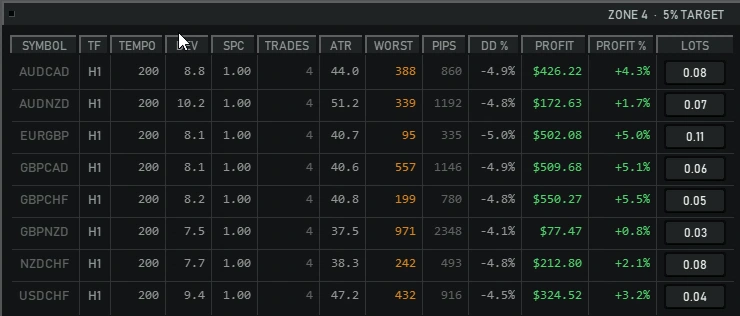
Set your capital, a drawdown target per symbol and the recovery zone to size for. The Risk view calculates each symbol's lot size and re-tests the basket at those sizes.

Compare the portfolio's historical drawdown with the loss if every symbol reached its selected zone together.

The target applies per symbol. Combined losses and future losses can exceed it.

See how your
settings have performed.

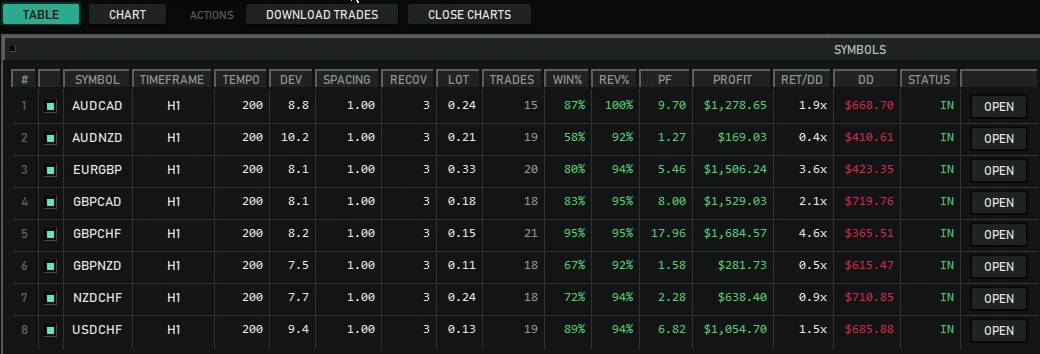
Every open Meridian Channel chart joins one roster. Compare historical profit, drawdown and trade statistics using the settings each chart is running.

Use admission filters to choose which charts contribute to the portfolio, and open any chart directly from its row.

Active chart roster showing eight symbols with their timeframe, channel settings, lots, historical performance and inclusion status.

See the whole
portfolio's performance.

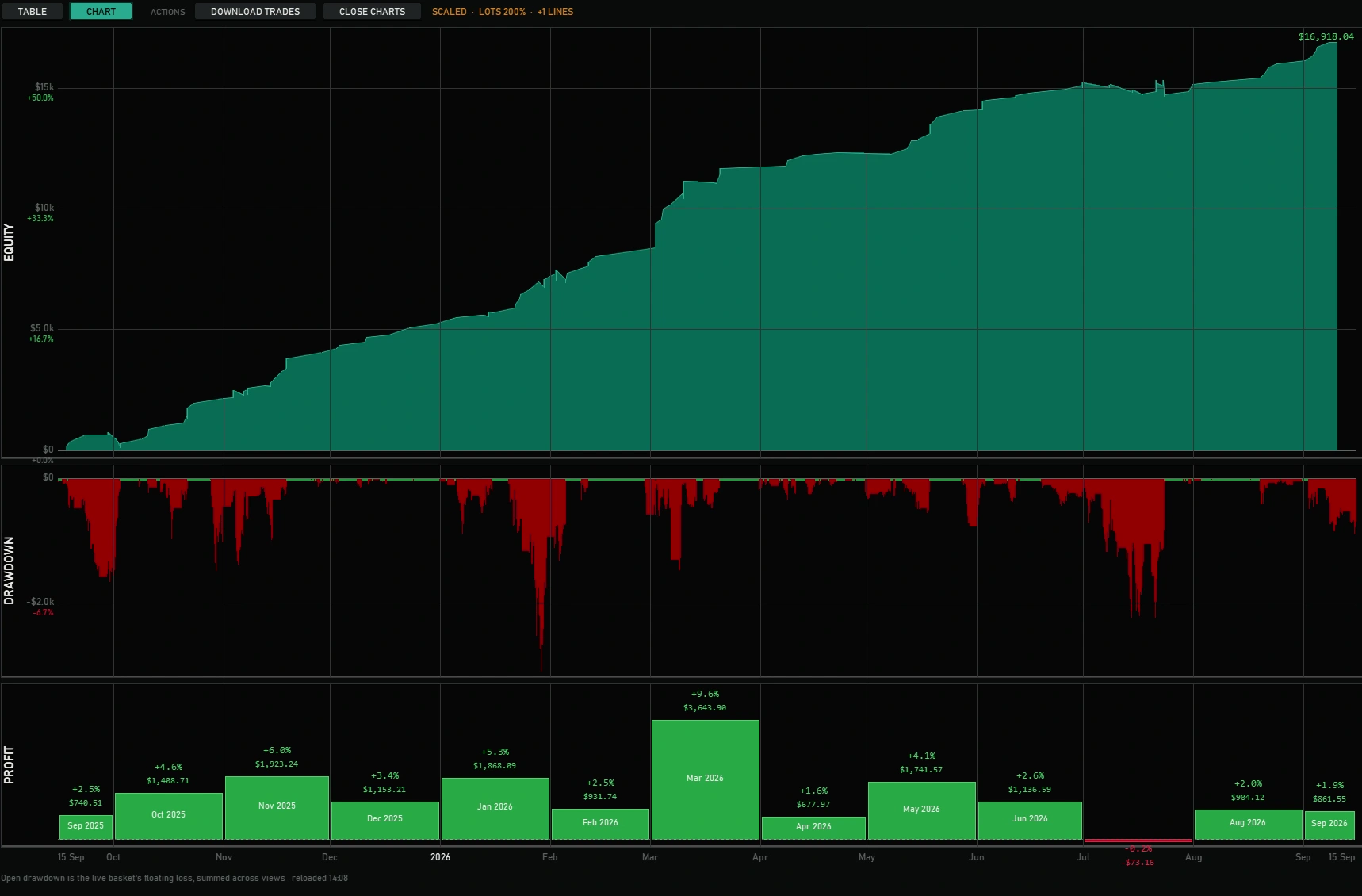
Bring your charts together in one historical view: combined equity, floating drawdown and profit by month.

Scaled portfolio simulation showing combined equity, floating drawdown and monthly profit from September 2025 to September 2026.

Test a change
across every chart.

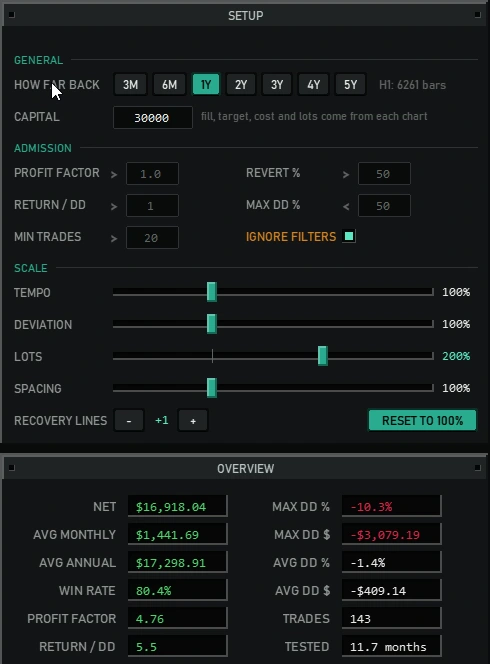
Scale lots, tempo, deviation or spacing, and adjust recovery lines. Release a control to recalculate the portfolio simulation.

Scale controls are for analysis; they leave your chart settings unchanged. All results shown are historical simulations.

Portfolio setup with admission filters, scale sliders at 200 percent lots and one added recovery line, and recalculated performance statistics.
Hangar Free Go free Stratotank Plus $29/mo Get Plus
Hangar ✓ ✓
Meridian Portfolio – ✓
Raider – ✓
Skyhawk – ✓
Meridian Channel – ✓
Sentry – ✓
Chart Cloner ✓ ✓
Chart Closer ✓ ✓
Everything we ship next – ✓
Hangar Meridian Portfolio

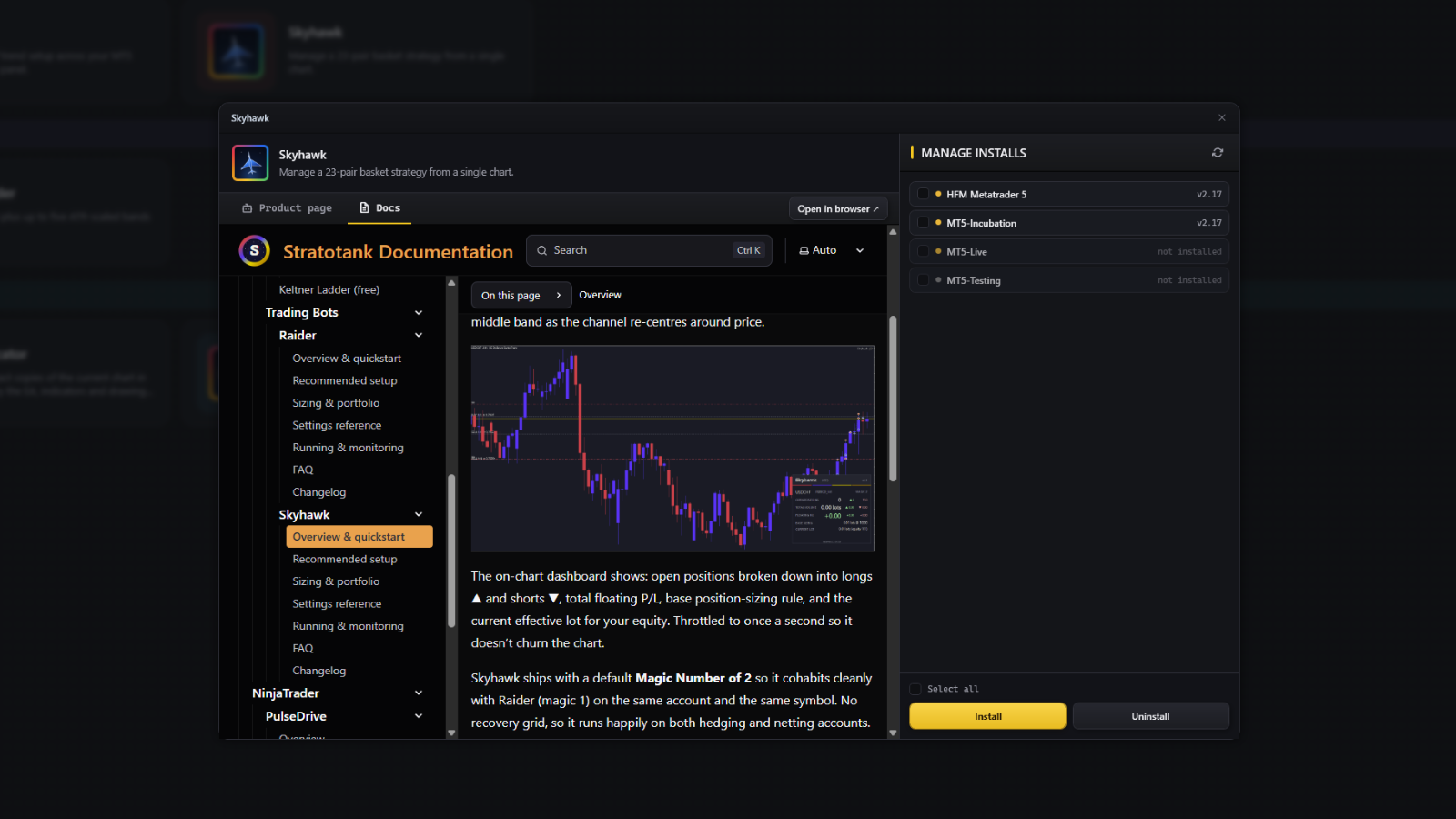
Install from Hangar

Hangar finds every MT5 terminal on your machine and puts Meridian Portfolio in the ones you tick. Nothing to unzip, nothing to copy by hand — and it keeps the tool up to date after that.

Download Hangar

No credit card to install. Hangar is free and takes an account, nothing more.

Hangar installing a tool into the MT5 terminals you pick
One-click install
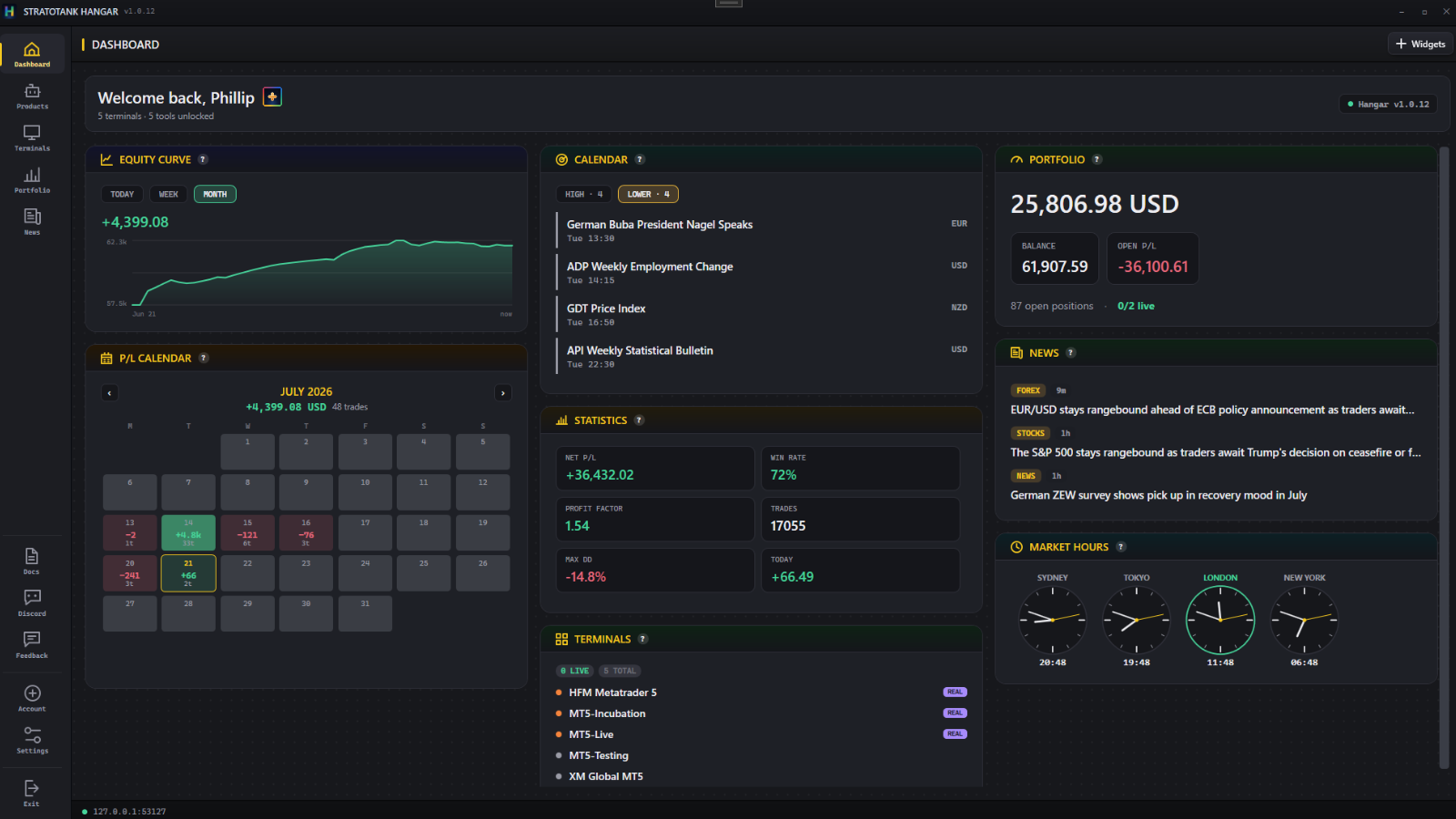
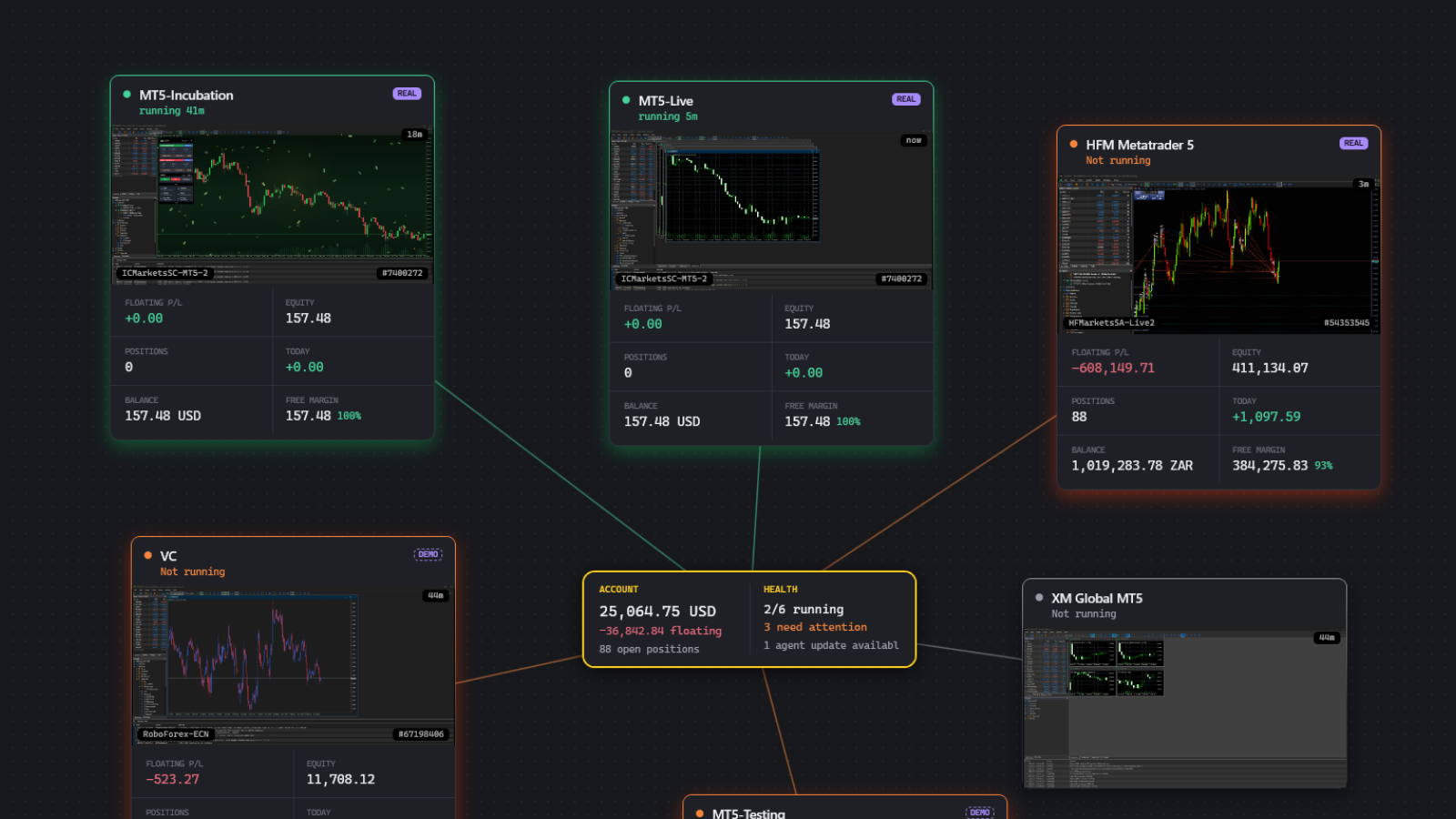
Hangar widget dashboard
Your desk at a glance
Hangar terminal list
Every terminal, one window
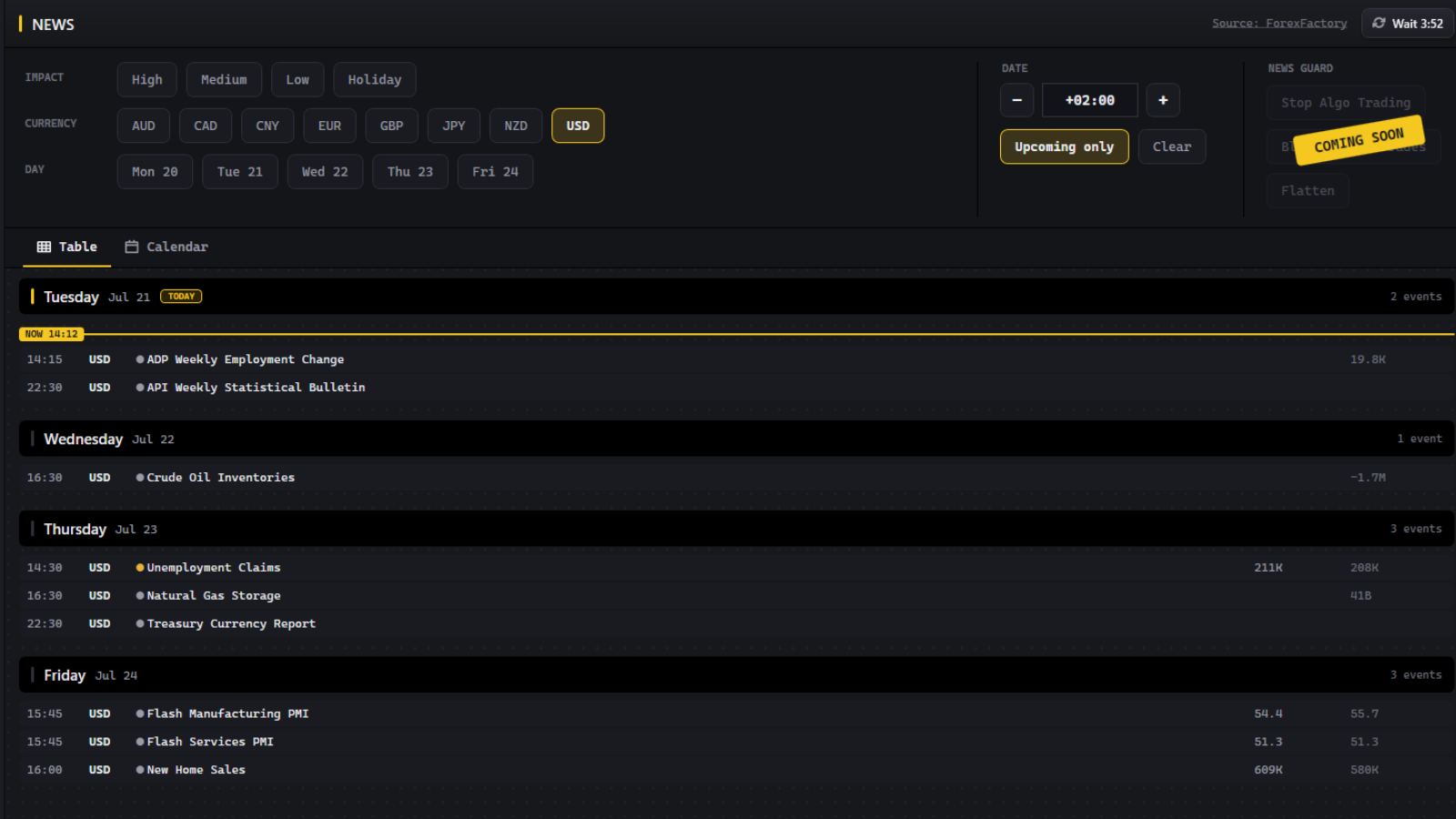
Hangar calendar and news
Calendar and news built in
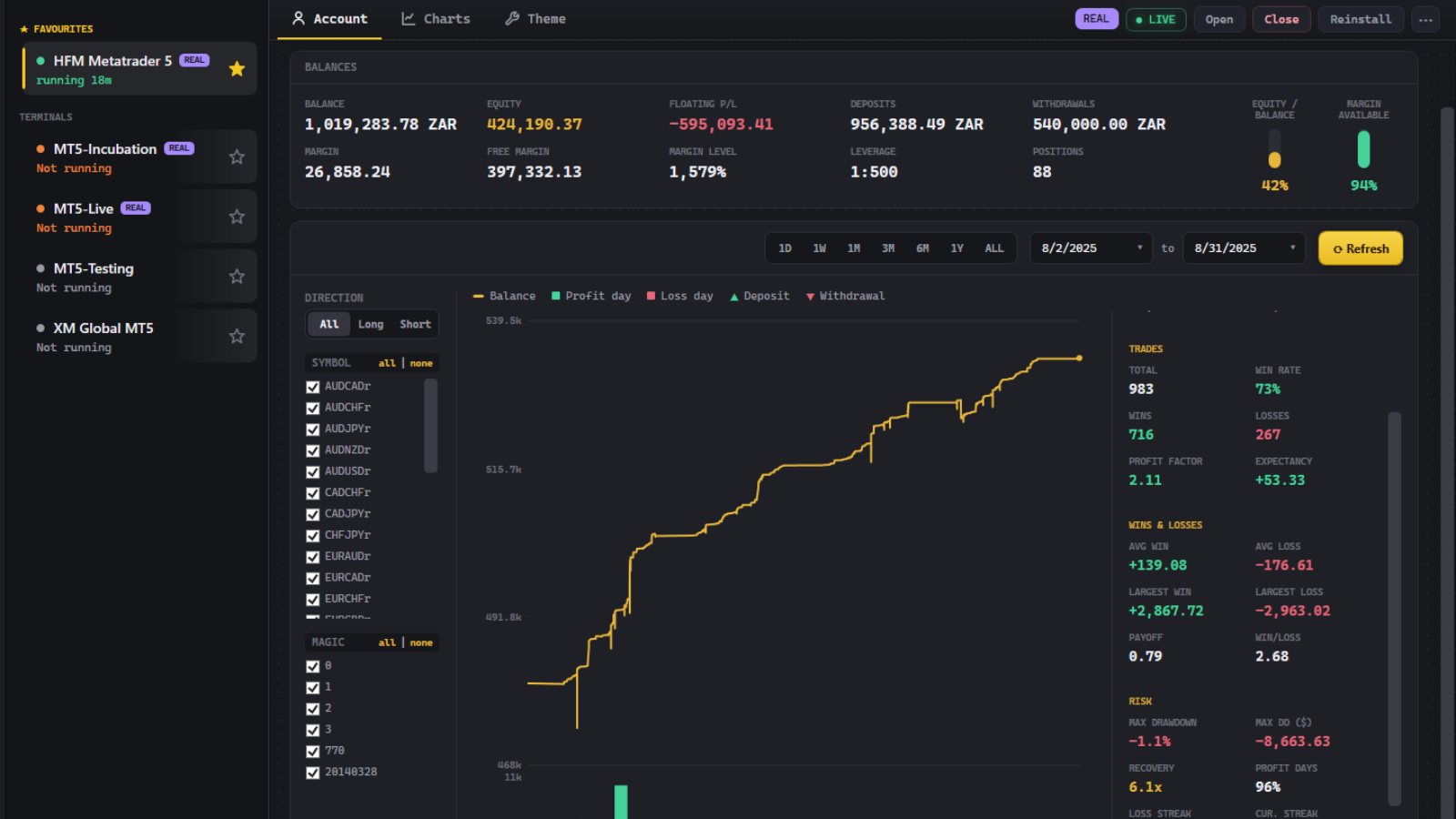
Hangar account performance
Live account performance
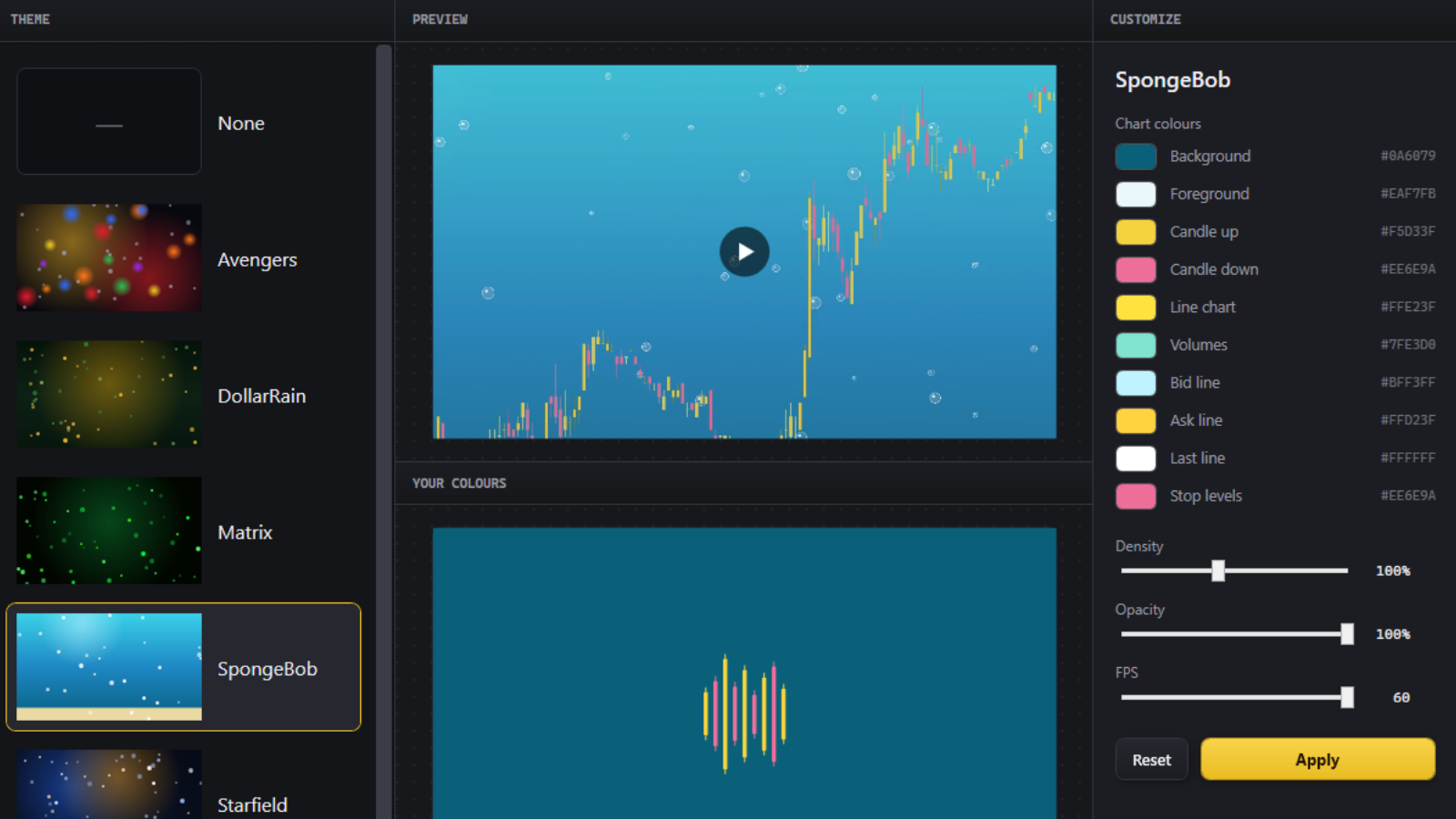
Hangar chart themes
Chart themes in one click