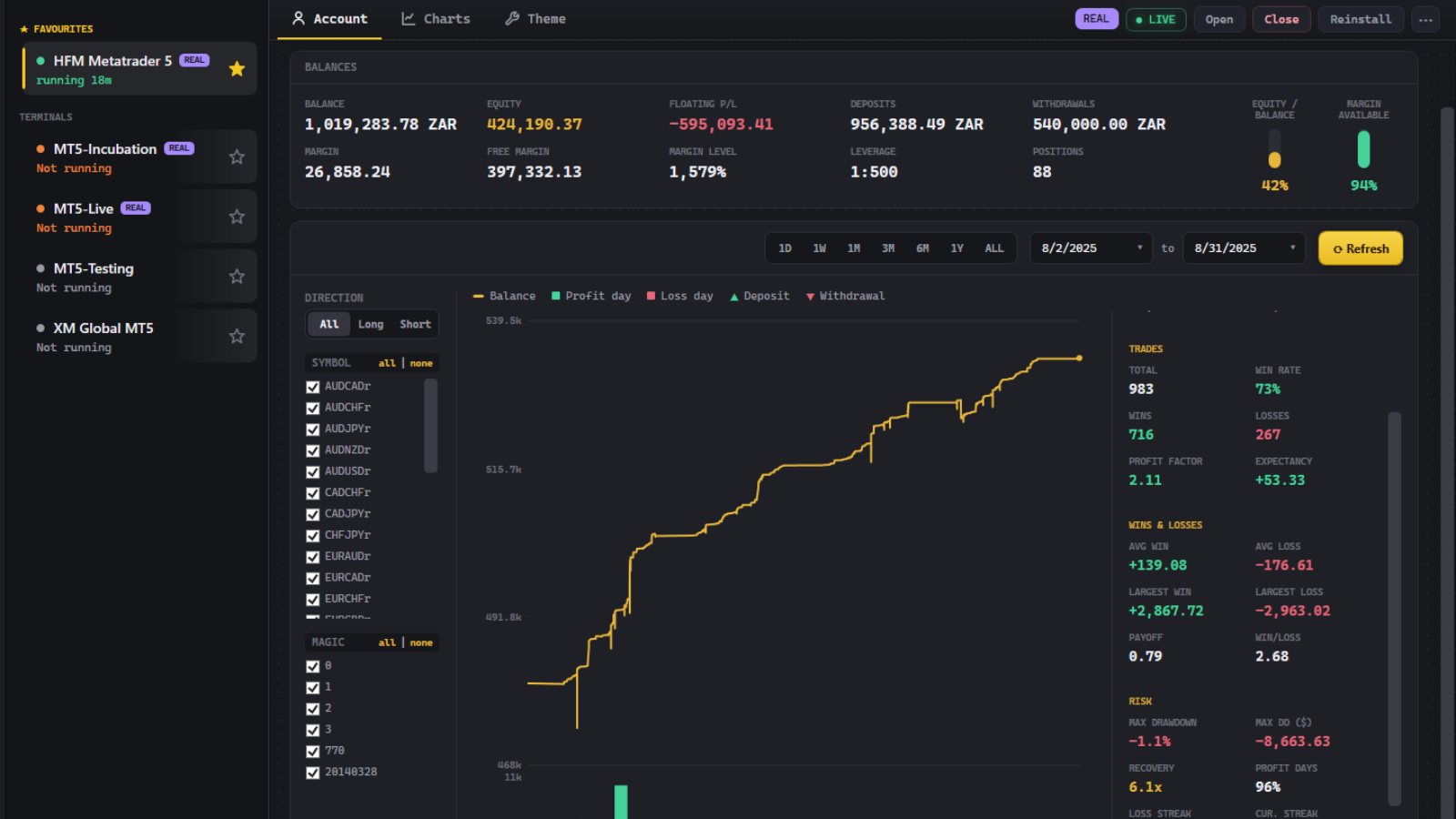
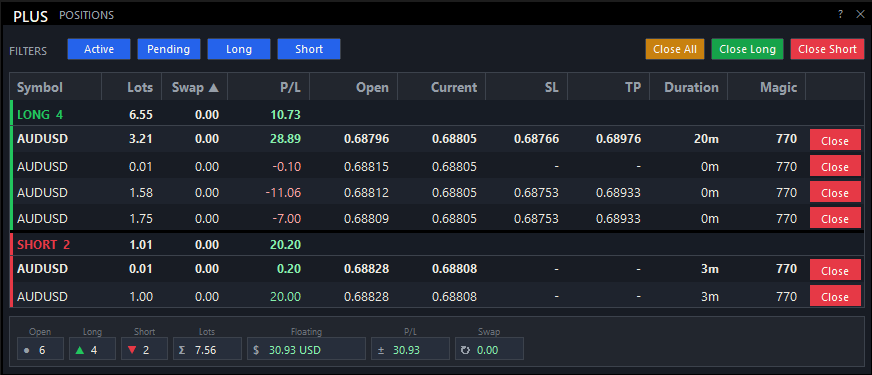
Your trades.
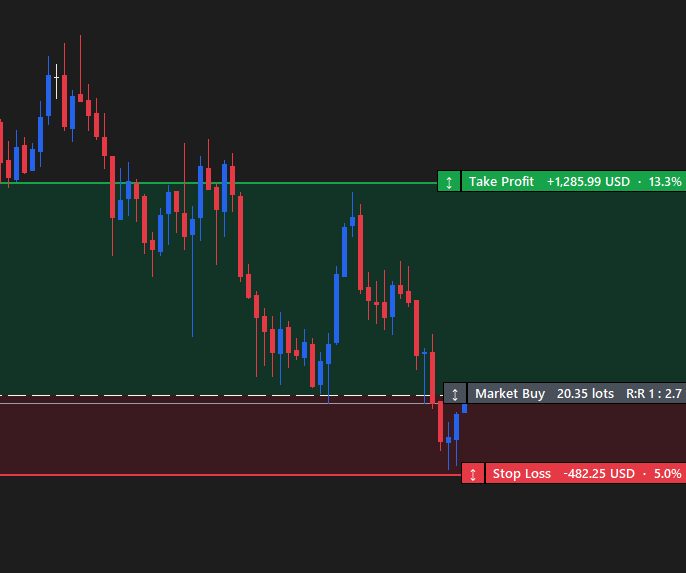
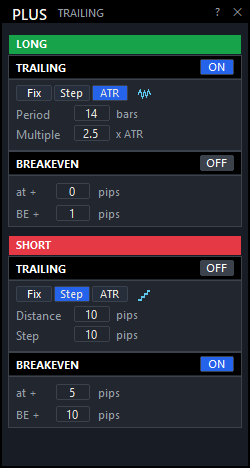
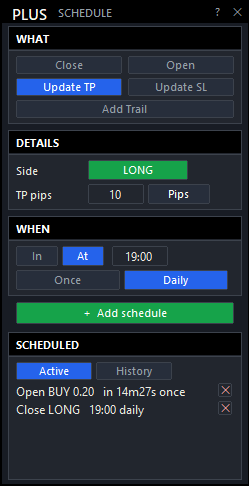
Your management rules.
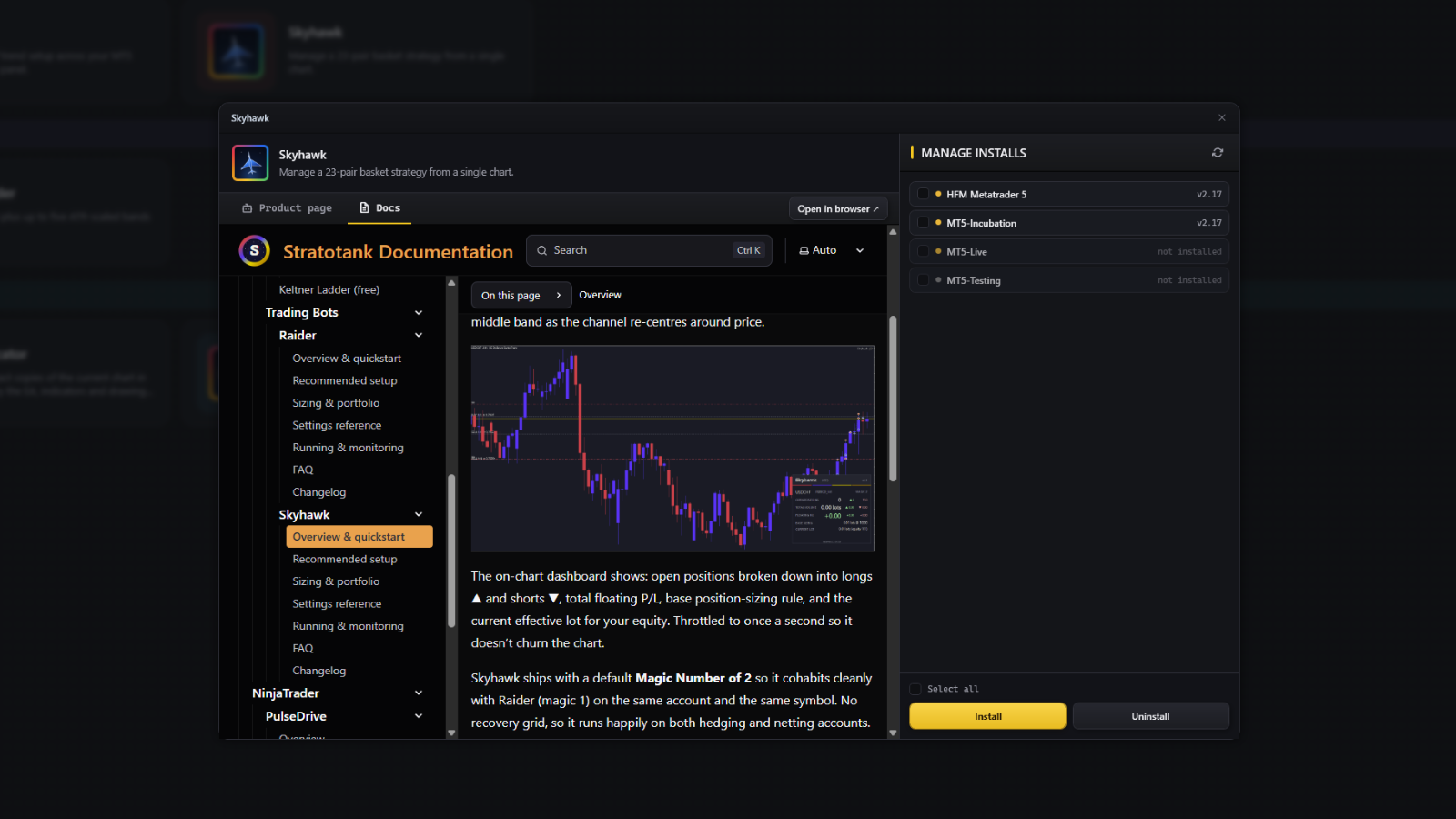
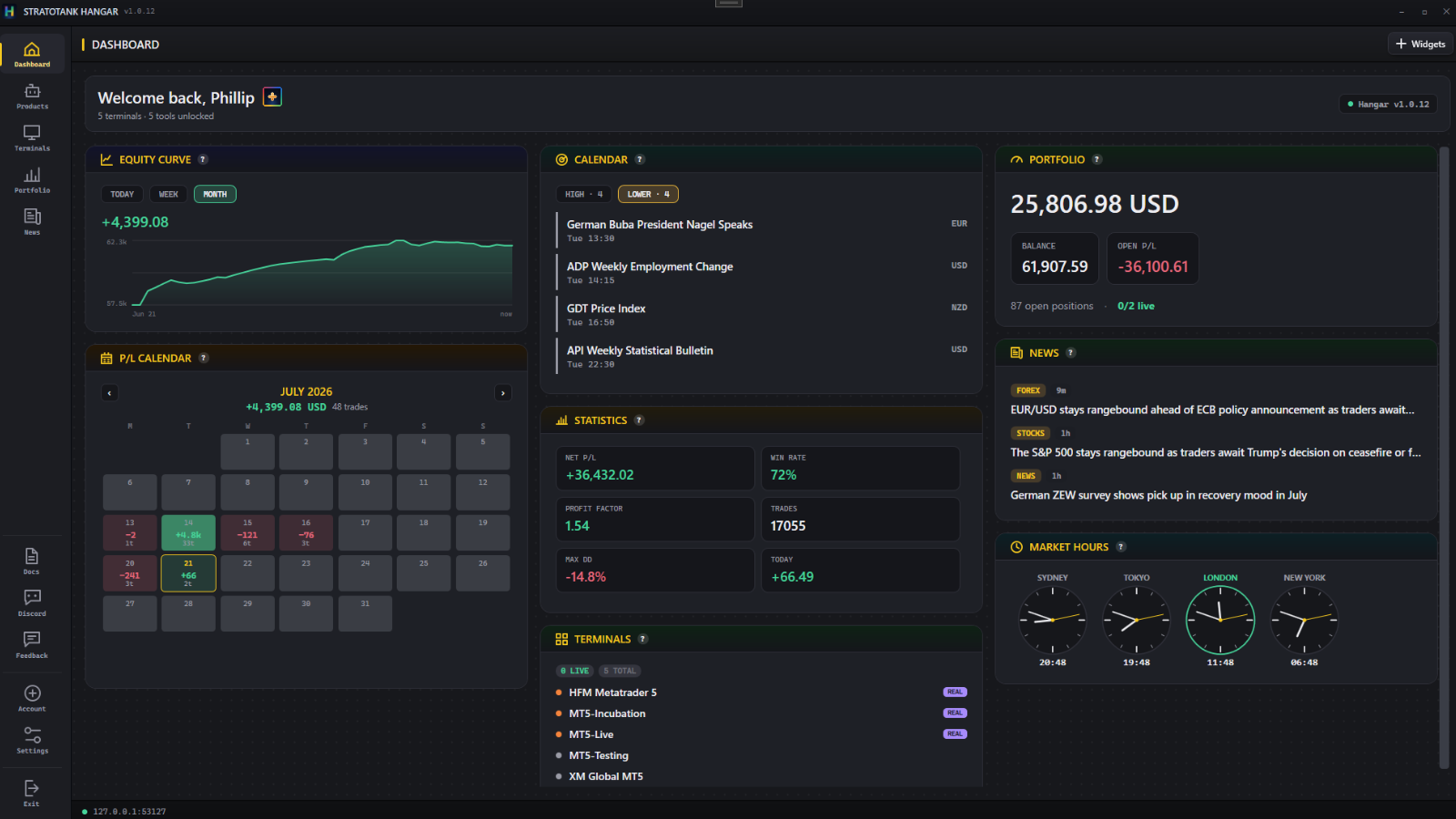
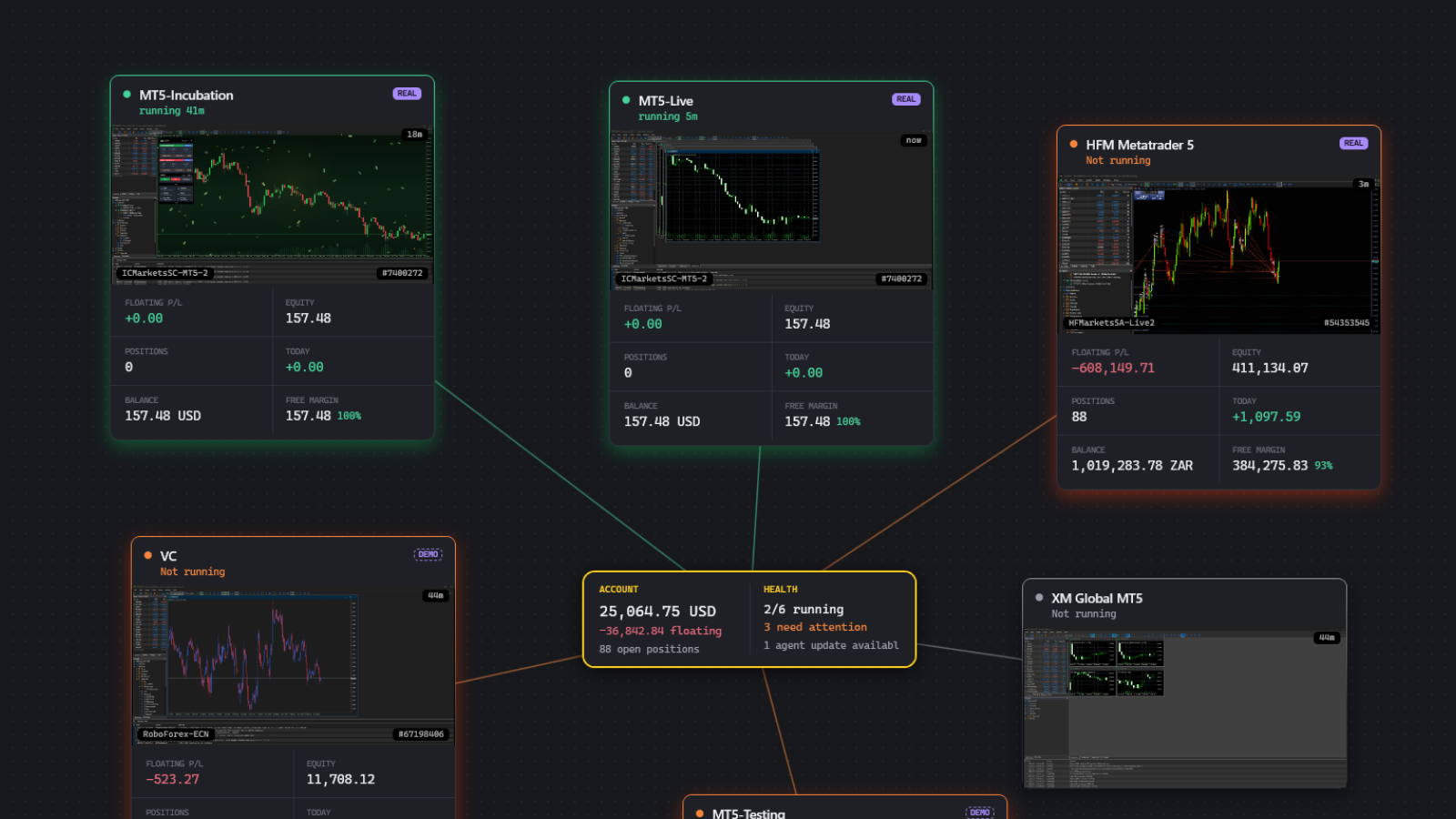
Install Sentry through Hangar, attach it to the symbol you want to manage, and enable
Algo Trading. Use its magic-number filter to focus on a particular EA's positions.
- MetaTrader 5 on Windows.
- Hedging mode keeps long and short baskets separate.
- Keep MT5 running for trailing, schedules and alerts.
Before you run it
Does Sentry choose trades for me?
No. Sentry is a trade manager. You choose the entries and management rules; it can place the orders you configure and manage existing positions.
Can it manage trades opened by another EA?
Yes. Sentry can manage positions on the chart symbol, including manual trades and trades opened by another EA. Use the magic-number filter to choose which positions it manages, and avoid giving two tools conflicting exit rules.
What happens if I close MT5?
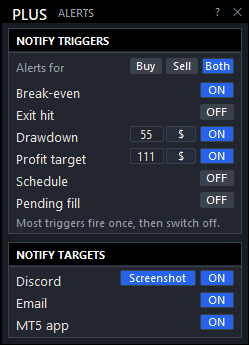
Broker-accepted stop-loss and take-profit levels remain on the positions. Sentry needs MT5 running and connected to update trailing exits, trigger scheduled actions and send alerts.
How do I get Sentry?
Sentry is included with Stratotank Plus. Subscribe to Plus, then install it into your MT5 terminals through Hangar. See pricing and everything included.




 Hangar
 Raider
 Skyhawk
 Meridian Channel
 Meridian Portfolio
 Chart Cloner
 Chart Closer