
Meridian Channel

Plus

Tune the entry band toward the outer 5% of your chart's history. Inspect historical baskets, compare settings and size a fixed recovery ladder against your chosen drawdown target.

  • Fixed ladder, sized to your drawdown
  • Built-in optimizer
  • Live stats dashboard
  • Stability maps, IS/OOS split
0:00 / 0:00
Platform
MetaTrader 5
Type
Indicator
Access
Included with Stratotank Plus

See the stretch beyond the band, follow the mean, and trace every basket from entry to result.
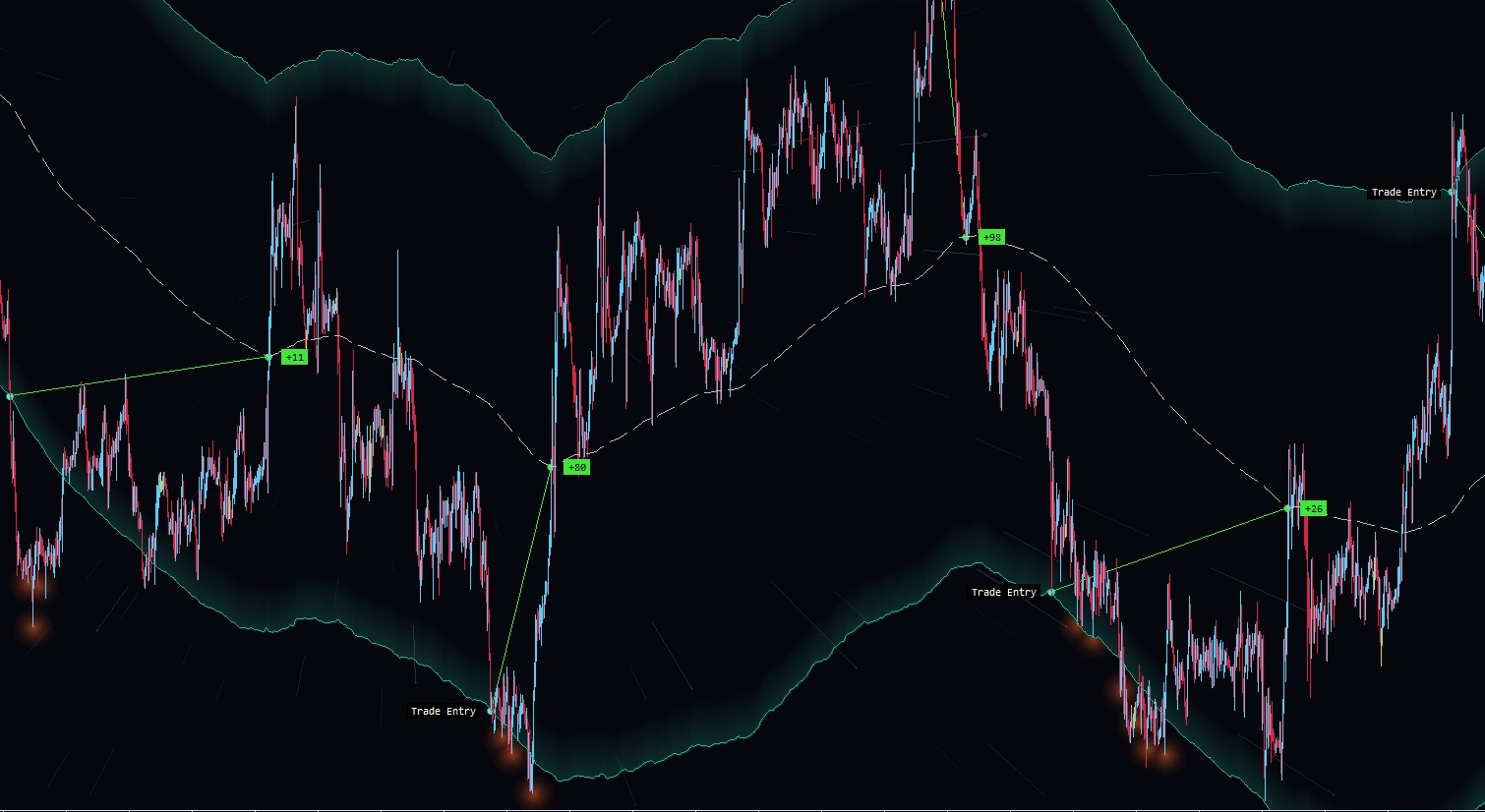
EURGBP H1 chart with Meridian's outer channel, dashed mean, trade entry markers and connected historical basket results.
Outer band
See how far price has stretched from the mean.
Mean line
Follow the centre of the channel as the market moves.
Basket results
Trace historical entries and their outcomes on the chart.
Run optimizations.
Find settings for your market.

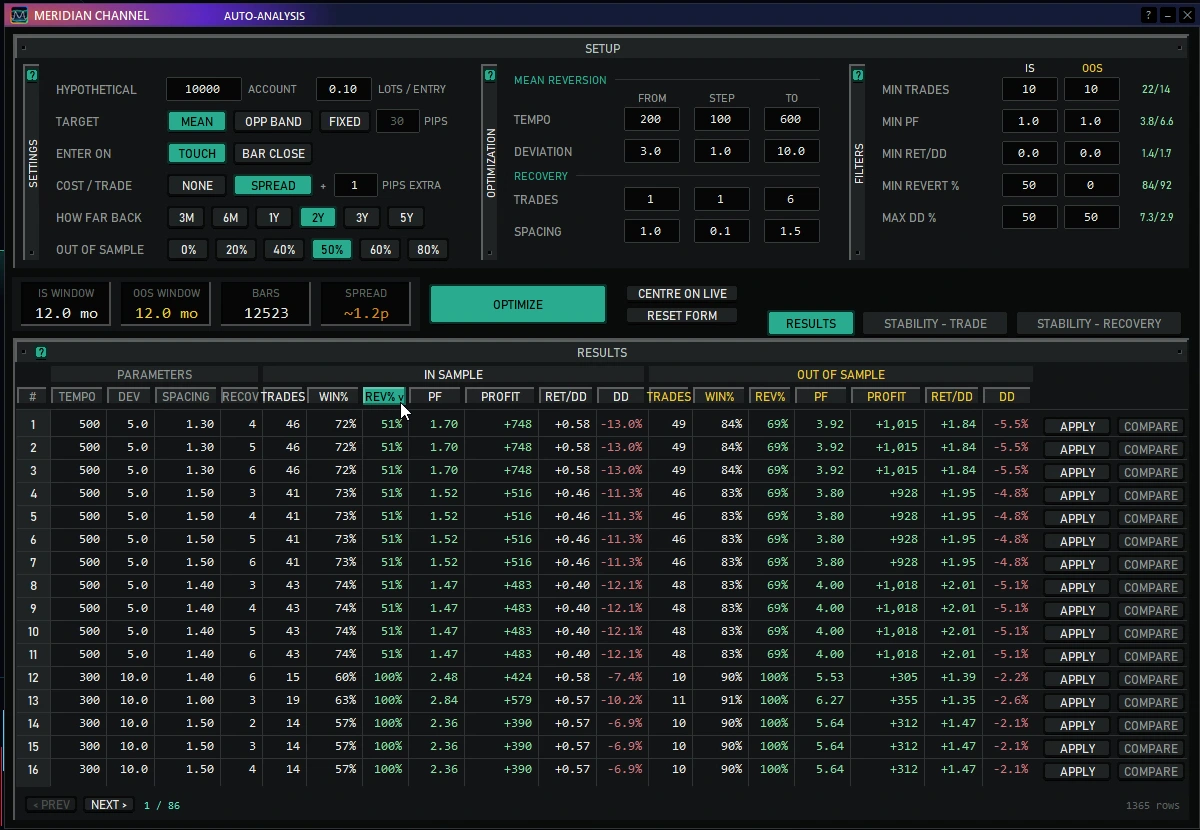
Run the optimizer on different symbols and markets to find settings suited to each chart's history. Sweep tempo, deviation, recovery trades and spacing, then compare each combination's in-sample and out-of-sample performance.

  • Choose the history window, trading costs and holdout period.
  • Compare profit, drawdown, win rate and return to mean.
  • Use Compare to inspect a candidate, or Apply to put it on the chart.
Auto-analysis setup and ranked results, with separate in-sample and out-of-sample columns and Apply and Compare actions on each row.

Look for stable results
across nearby settings.

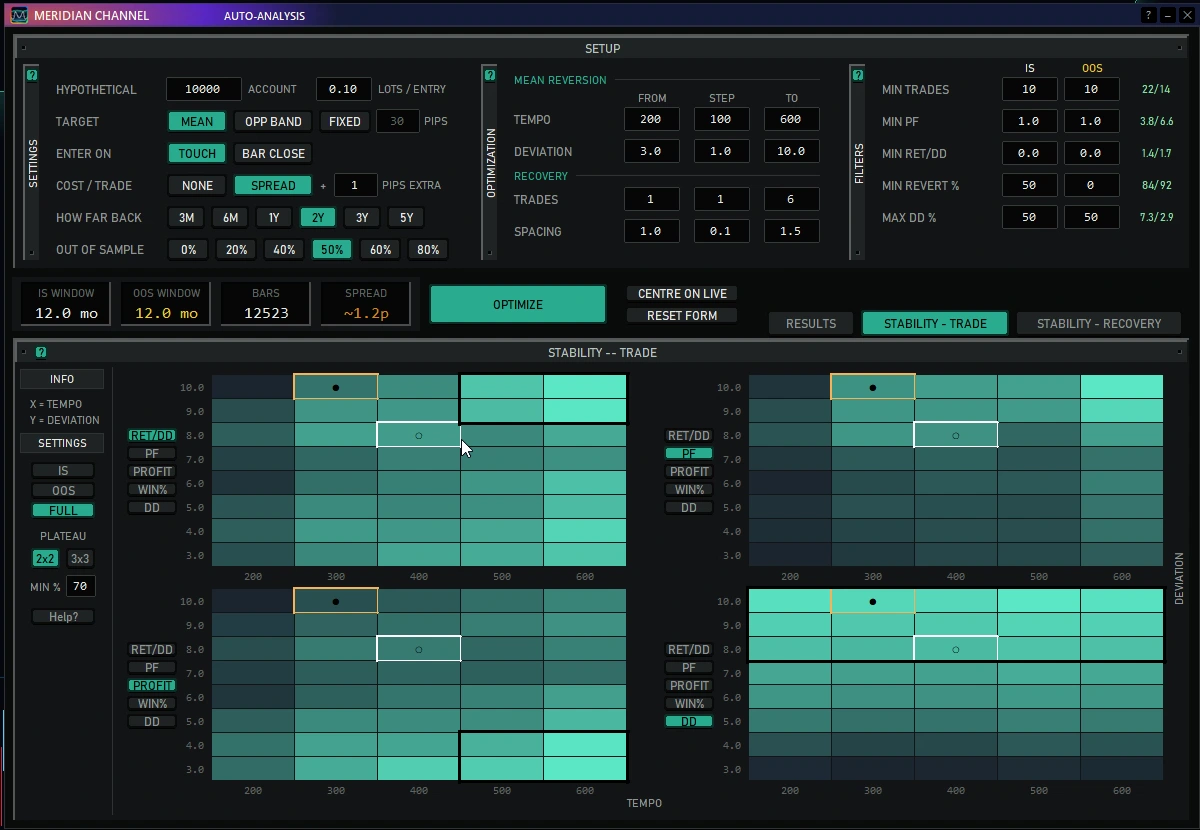
Use stability maps to find areas where historical results hold up as the settings change. Compare neighbouring combinations across in-sample and out-of-sample periods to see how consistent a candidate's performance is.

  • Explore trade settings and recovery settings in separate views.
  • Switch between in-sample, out-of-sample and full history.
  • Click a cell to compare it; click again to apply it.
Four stability heatmaps plotting tempo against deviation, showing return over drawdown, profit factor, profit and drawdown across neighbouring settings.
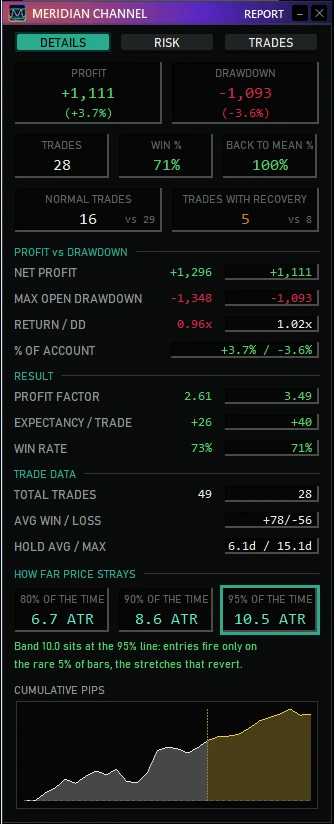
Details report with simulated profit and drawdown, trade statistics, return-to-mean rate and cumulative pips chart.

See how your strategy has performed.

See how the settings you're using have performed on your chart's history, with profit, drawdown and trade statistics in one view.

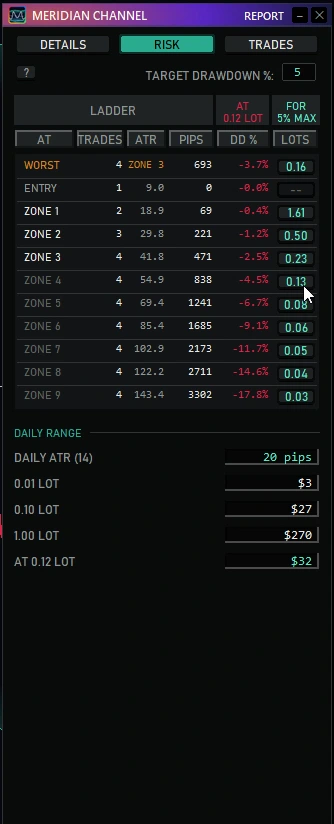
Calculate your lot size.

Set a drawdown target in the Risk pane to calculate lot sizes for each recovery zone. Click a size to apply it. Future losses can exceed the target.

Risk report with target drawdown, entry and recovery zones, projected drawdown and selectable lot sizes for each rung.

Know when
to act.

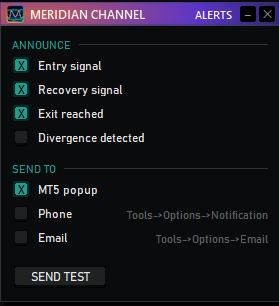
Meridian Channel alerts you when the setups the report backtests appear on your chart: price at the entry band, at the next recovery line, or back at the target. Pick what you want to hear about and where it goes, chart by chart. You place the trades.

  • Entry, recovery, exit and divergence alerts.
  • MT5 popup, phone push or email, all set up inside MetaTrader.
  • Each event fires once, on the touch or at the bar close, the way your report runs.
The Meridian Channel Alerts window: entry, recovery, exit and divergence checkboxes, MT5 popup, phone and email channels, and a Send test key.

Choose how you get Meridian Channel.

Buy it on MQL5 Marketplace, or get it with the full Stratotank Plus catalog.

Meridian Channel

MQL5 Marketplace

Purchase through your MQL5 account and install from MetaTrader 5's Market tab. No Hangar installation required.

Buy on MQL5 Marketplace (new tab)

See MQL5 for the current price, license and purchase terms.

Hangar Free Go free Stratotank Plus $29/mo Get Plus
Hangar ✓ ✓
Meridian Channel – ✓
Raider – ✓
Skyhawk – ✓
Meridian Portfolio – ✓
Sentry – ✓
Chart Cloner ✓ ✓
Chart Closer ✓ ✓
Everything we ship next – ✓
Hangar Meridian Channel

Install from Hangar

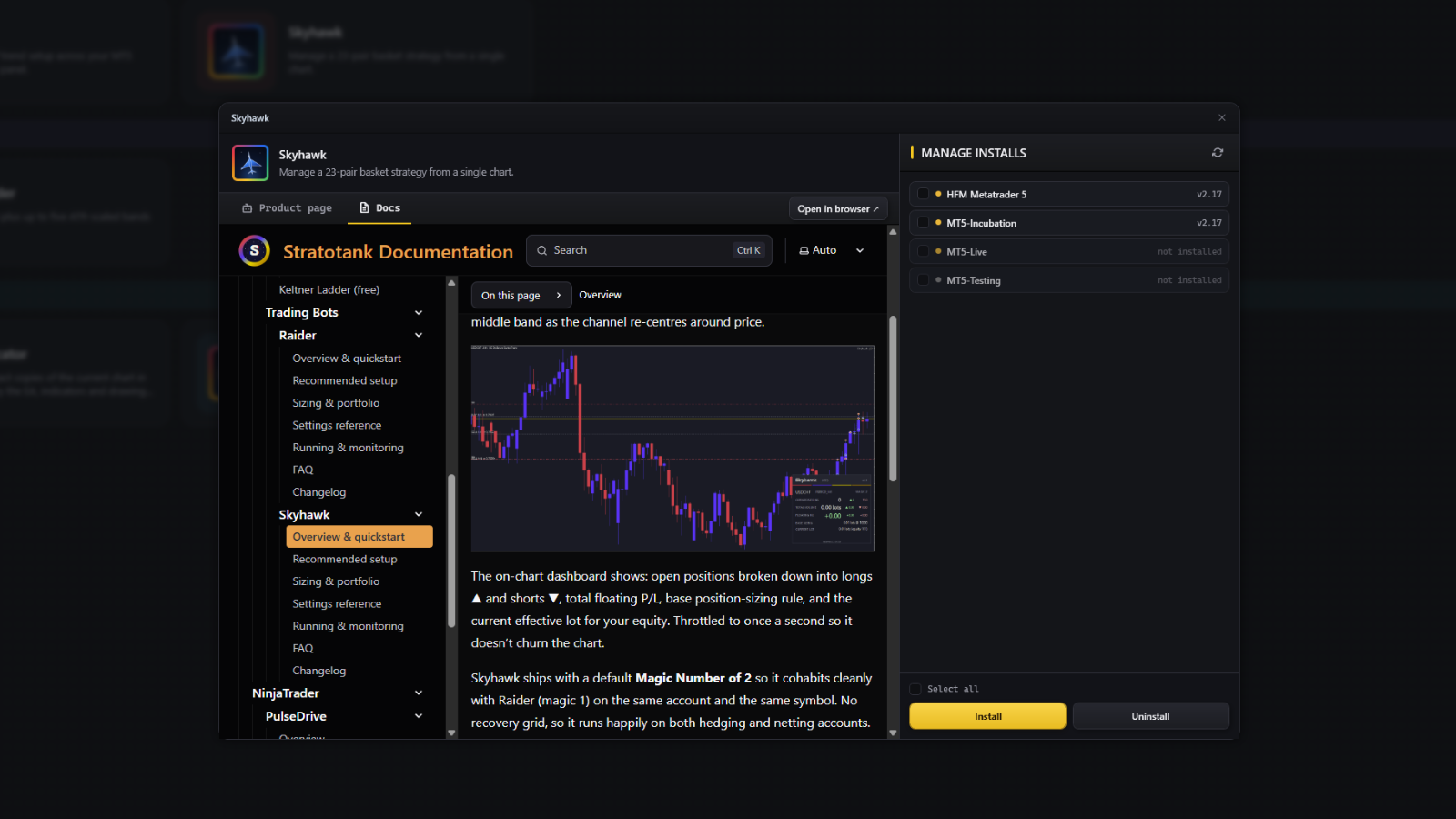
Hangar finds every MT5 terminal on your machine and puts Meridian Channel in the ones you tick. Nothing to unzip, nothing to copy by hand — and it keeps the tool up to date after that.

Download Hangar

No credit card to install. Hangar is free and takes an account, nothing more.

Hangar installing a tool into the MT5 terminals you pick
One-click install
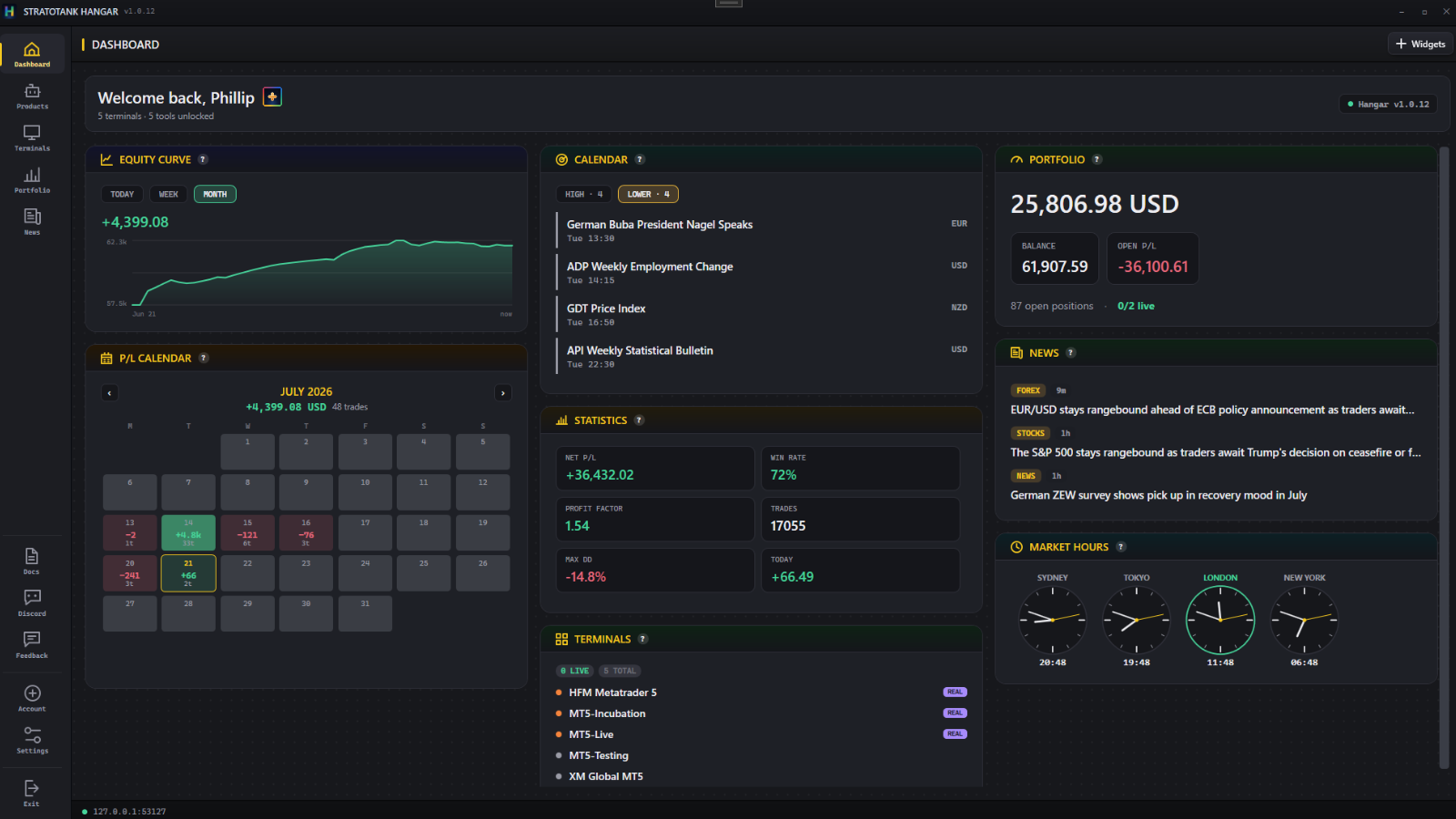
Hangar widget dashboard
Your desk at a glance
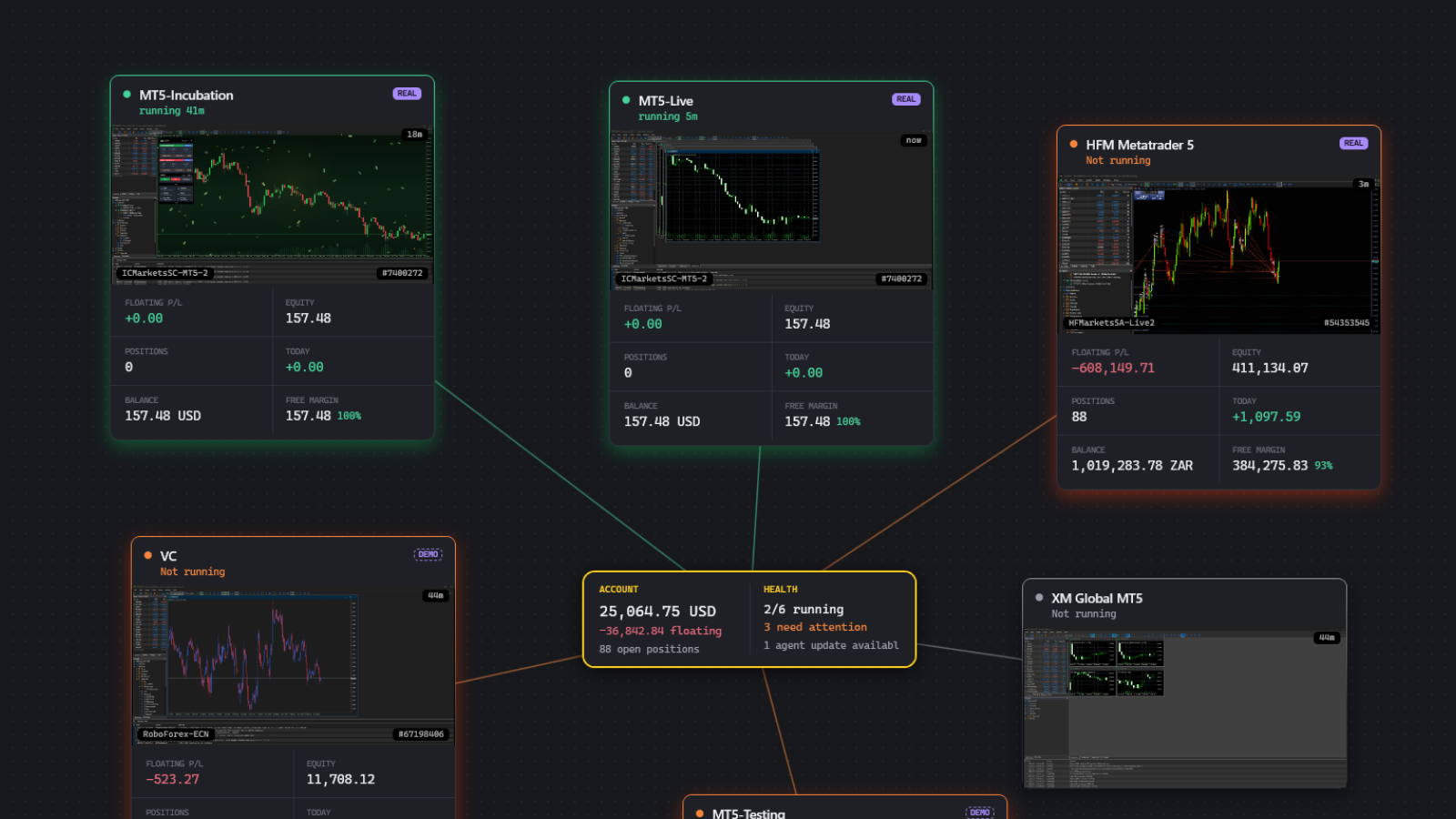
Hangar terminal list
Every terminal, one window
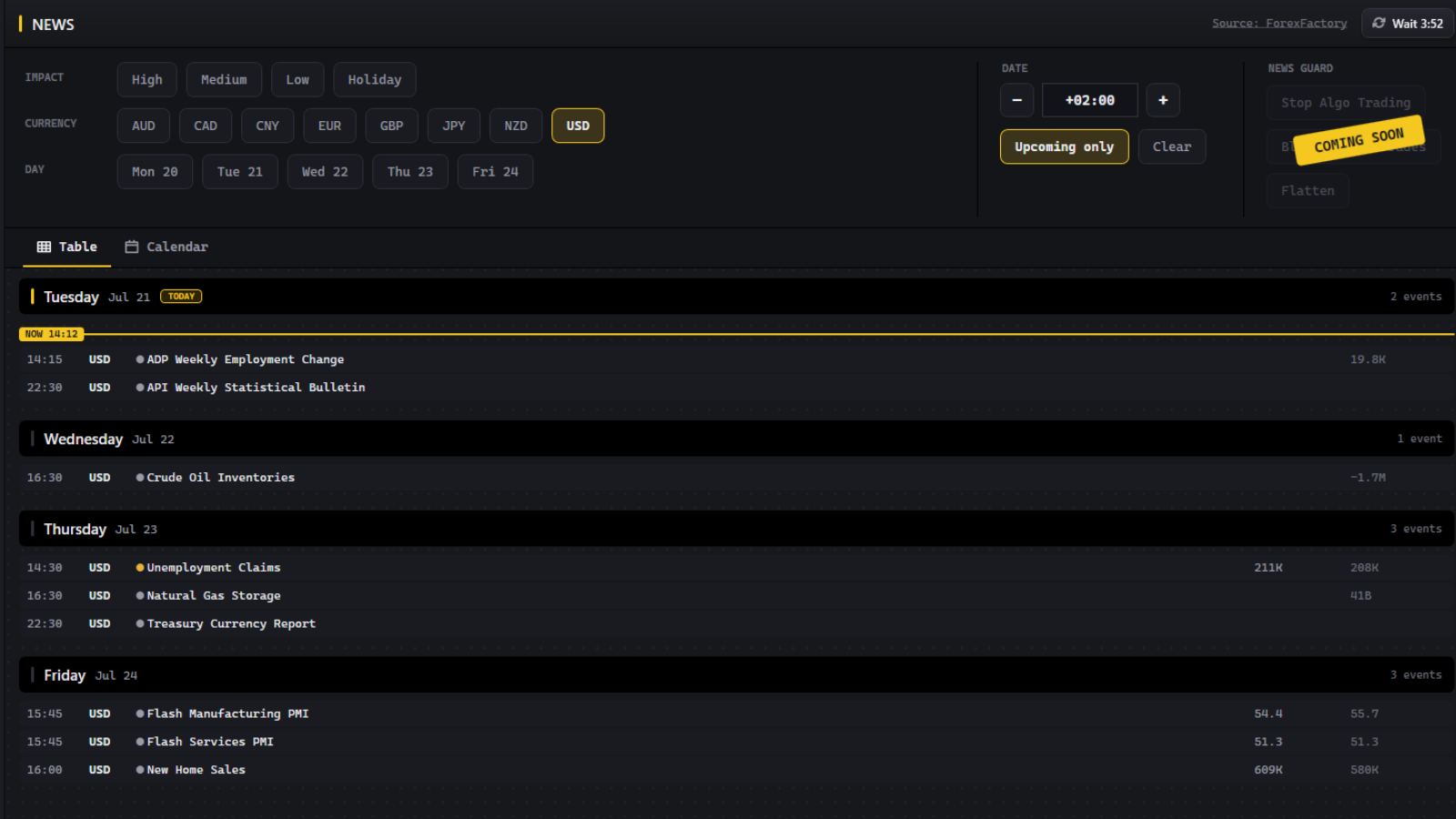
Hangar calendar and news
Calendar and news built in
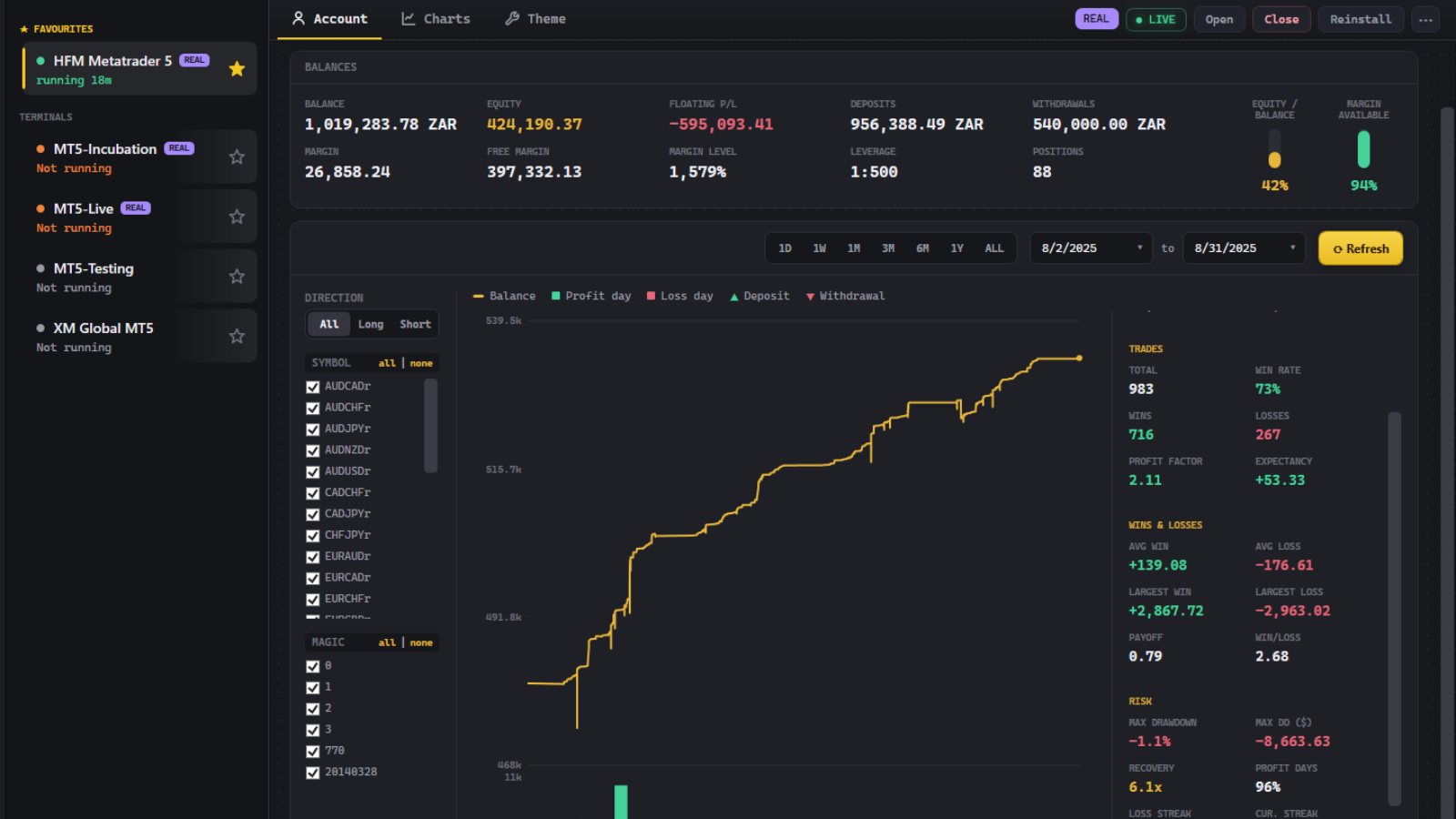
Hangar account performance
Live account performance
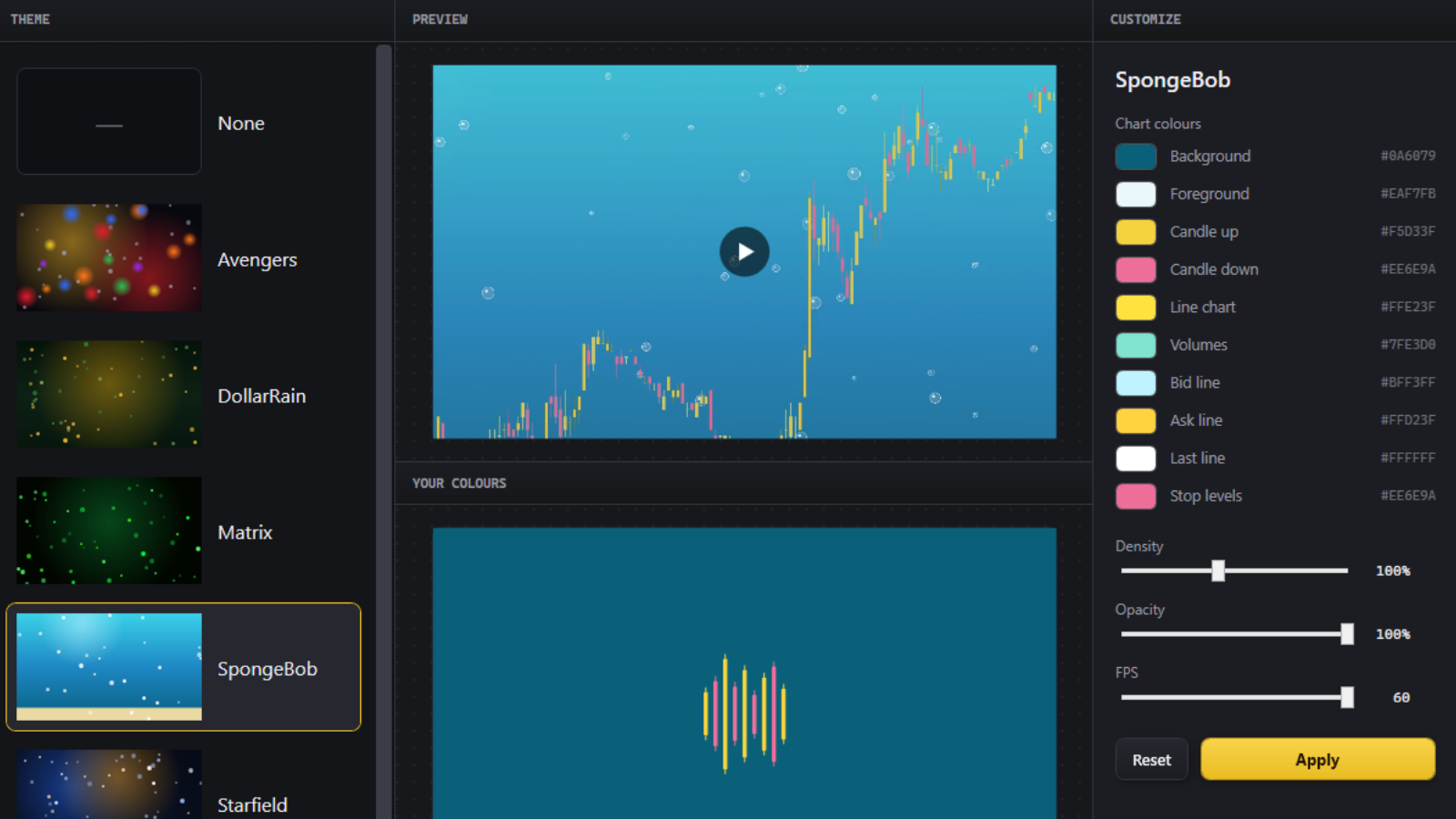
Hangar chart themes
Chart themes in one click